
How to edit NPC stats
not checked
For anyone wanting to edit the stats of NPCs follow these steps.
**Please note, editing values through this menu counts as CHEATING and will flag that you cheated, which disables achievements.
- Press the 1 key to bring up the code execution console while in game
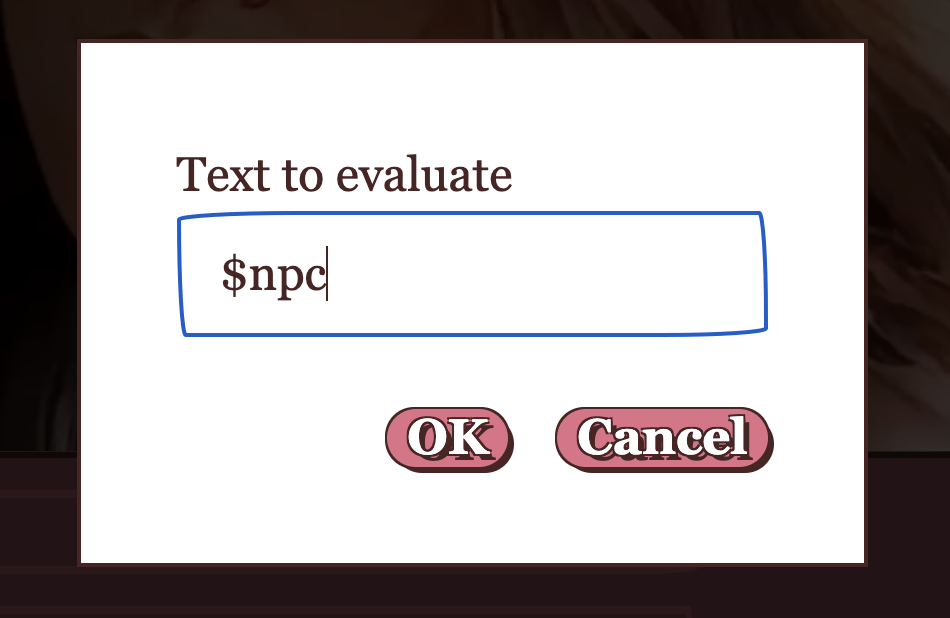
- Type in $npc to view the current NPC’s stat block
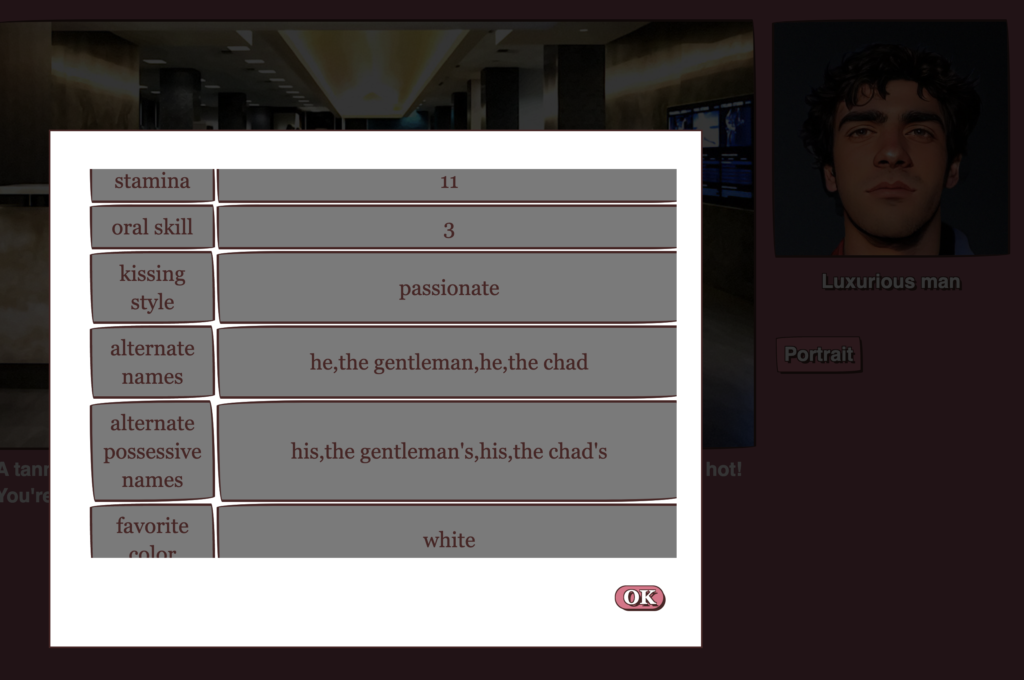
Then you can see all of his stats.
If you wanted to alter his oral skill for example, just type the following. Note that the quotes need to be straight, not curly smart quotes:
(set:$npc's "oral skill" to 10)
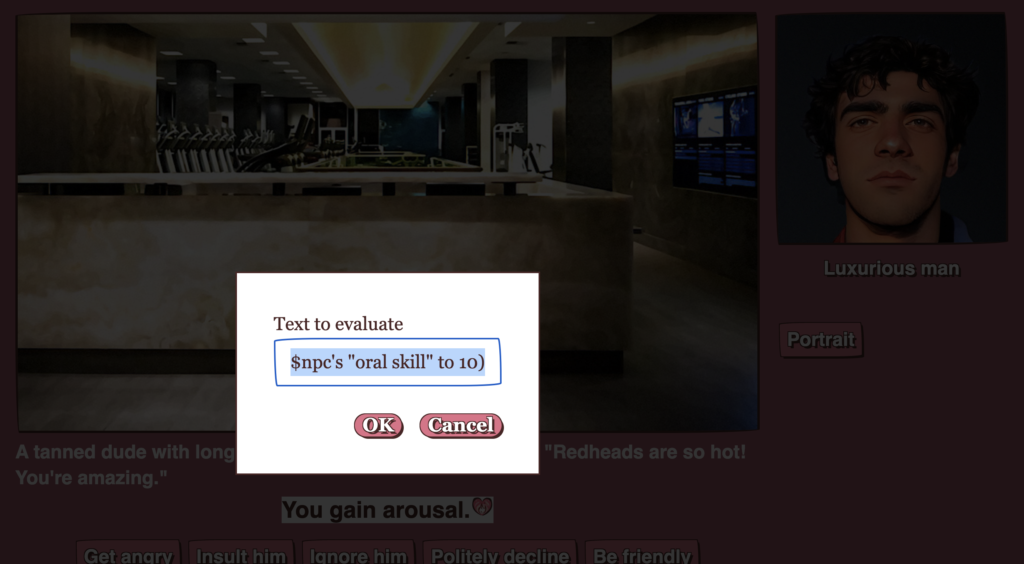
And now his oral skill will be set to 10.
Always save beforehand just in case something goes wrong.